Educator
Mark what each child ate and send it to parents in a minute.
Tap how much each child in your room ate. Parents see it in the portal, read-only, for the last 7 days.
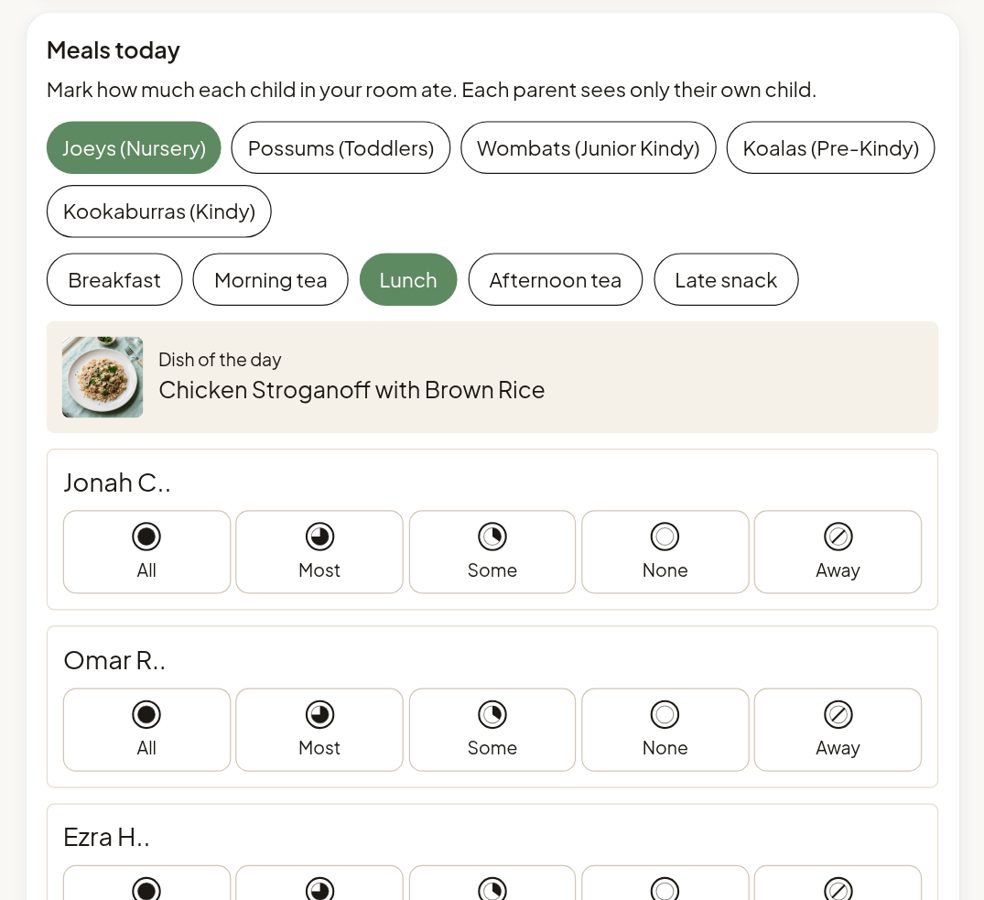
Tap how much each child in your room ate. Parents see it in the portal, read-only, for the last 7 days.
Parents ask at pick-up what their child ate.
Busy rooms, short pick-ups, and you have to remember every child.
With KindyMenu: A meal report per child. Parents read it in the portal, so pick-up is about the day, not the lunch.
A relief educator doesn’t know who can’t eat what.
Allergy lists on the wall get old.
With KindyMenu: Each child’s allergies and diet are on their card. The cook still checks allergies and swaps.
Notes get lost between the room and the kitchen.
A word in the corridor is easily forgotten.
With KindyMenu: Messages between the team and the kitchen in Comms.